 Impulse
Impulse documentation
Impulse is a terminal IDE for the Mac: a terminal with command blocks, a code editor, git tools and support for the coding agents you run in its terminals, in one window. These pages explain every part of it, with screenshots of a small example project, trailhead.
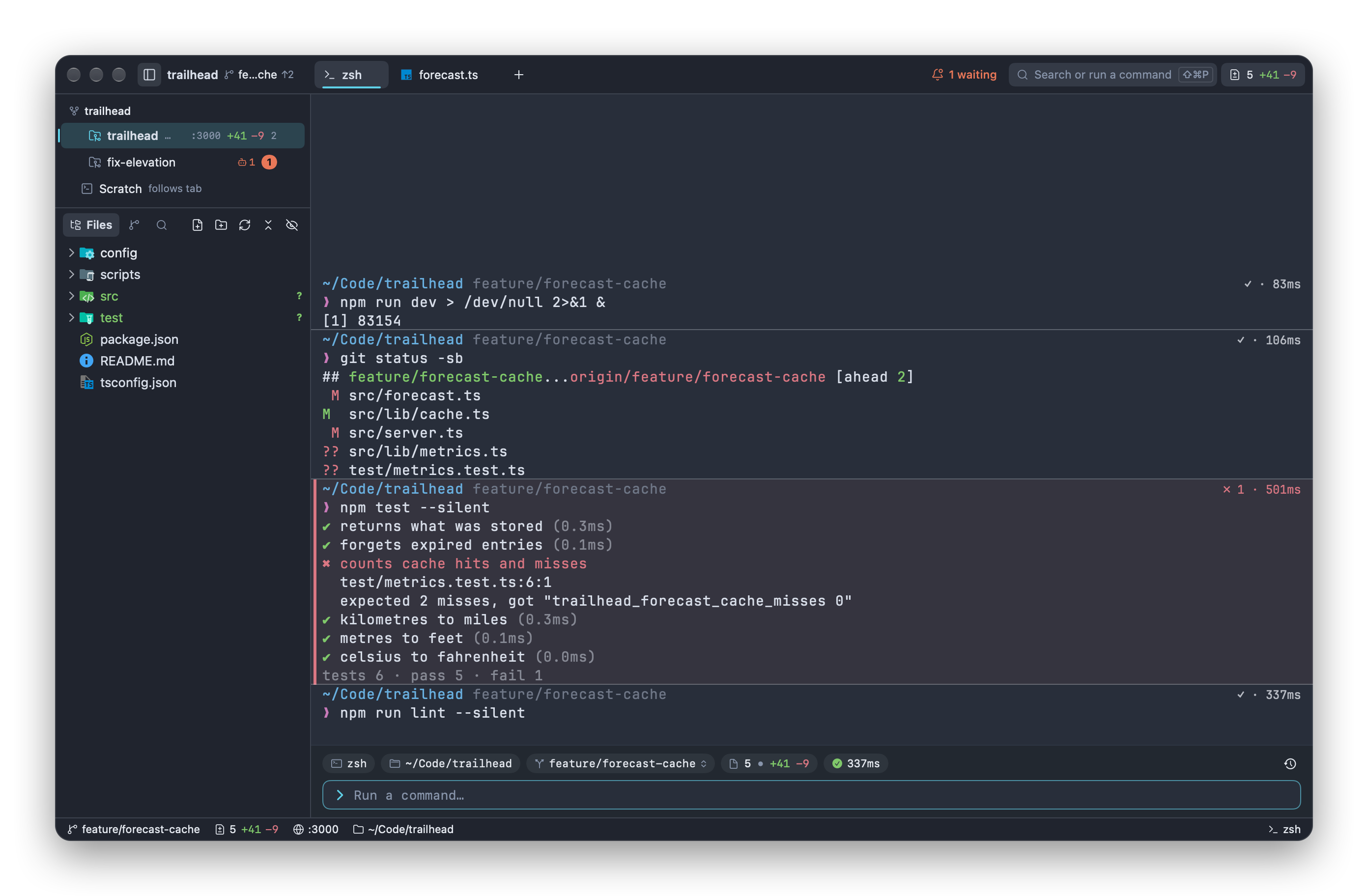
#Start here
- Getting started: install Impulse, a tour of the window, opening a project, and workspace trust.
#Working in Impulse
- Workspaces, tabs and panes: the workspaces sidebar, tabs, split panes, the Files, Changes and Search panels, session restore, and the quick terminal.
- Terminal: command blocks, the input bar, completions, history, find, hints, notifications and ports.
- Editor: the editor, language servers, Problems, project-wide find and replace, previews, and git in the editor.
- Command palette: one field for commands, files, lines, symbols, tabs, workspaces, branches, history and settings.
#Parallel work and agents
- Tasks: a branch in its own folder, opened as its own workspace, so you (or an agent) can work on several things at once.
- Agents: how Impulse follows Claude Code, Codex and other agents, checkpoints their turns, and tells you when one needs you.
#Git
- Git: the Changes panel, committing, branches, stashes, fetch, pull and push, merge conflicts, tags and pull requests.
- Review: read and stage changes, comment on them, and send the comments to an agent.
- History: the commit graph, filters, comparing, and actions on commits, branches and tags.
#Configuration and reference
- Project configuration:
.impulse/project.tomland.worktreeinclude. - Command-line tool: the
impulsecommand, and Impulse as your$EDITOR. - Settings and themes: every setting,
settings.json, themes and custom shortcuts. - Keyboard shortcuts: every shortcut, in the menus and inside panels.
- Accessibility: VoiceOver, Reduce Motion, Increase Contrast and keyboard-only use.
#Common workflows
| To… | See |
|---|---|
| Work on a second thing without stashing or switching branches | Tasks |
| Run two agents side by side and see which one needs you | Tasks, Agents |
| See exactly what an agent changed in its last turn, or undo it | Agents › Checkpoints and turns, Review |
| Commit part of a file | Review › Staging, unstaging and reverting |
| Send review comments back to an agent | Review › Comments |
| Find when a line changed, and who changed it | History, Editor › Inline blame |
| Run your project's dev server or tests from the palette | Project configuration › Project actions |
Make git commit open its message in Impulse |
Command-line tool |
#Updating the screenshots
The screenshots are generated, not taken by hand. scripts/docs/make_demo.py builds the trailhead example (a repository with history, branches, task worktrees and uncommitted work, plus a stand-in home folder and stand-in agent commands), and scripts/docs/capture.py runs the dev build in its headless snapshot mode for each shot in scripts/docs/shots.py, then frames the result into docs/images/. Nothing appears on screen while it runs.
./impulse-macos/build.sh --dev
python3 scripts/docs/capture.py                  # every shot
python3 scripts/docs/capture.py review- tasks-   # shots whose names start with these